Editing via the XML editor
The XML Editor is the generic editor that can be used to edit the XML form of any resource in the MapGuide Server. If you are intimately familiar with the XML schema of the resource in question, editing via the XML editor can often be much faster in terms of productivity than having to go through the specialized editor.
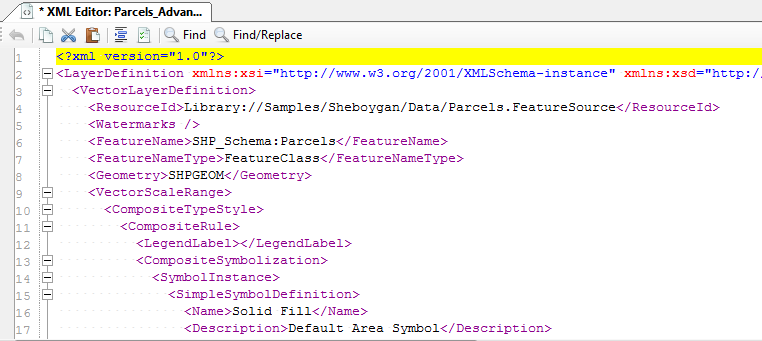
The Generic XML editor
For resources that are not recognised by the current release of Maestro or a specialized editor does not exist, this editor will be used as a fallback. Otherwise, you can choose to open any resource in the XML editor by right clicking the resource in the Site Explorer and choosing the Open Resource with XML Editor context menu item.
Note
You cannot have an XML editor or specialized editor editing the same resource. Maestro will not let it happen.
If you are editing a resource via a specialized editor, you can instantly go to and edit the resource in its XML form via the XML editor with the Edit as XML toolbar command.

The Edit as XML command
Upon saving the XML content in this mode, the original specialized editor will be immediately refreshed with the latest resource settings.